Secure All Your Accounts With
One 2FA Authenticator
Protect 1000+ apps with cloud
backup, Face ID, and effortless 2FA








Why Choose Our Authenticator
-

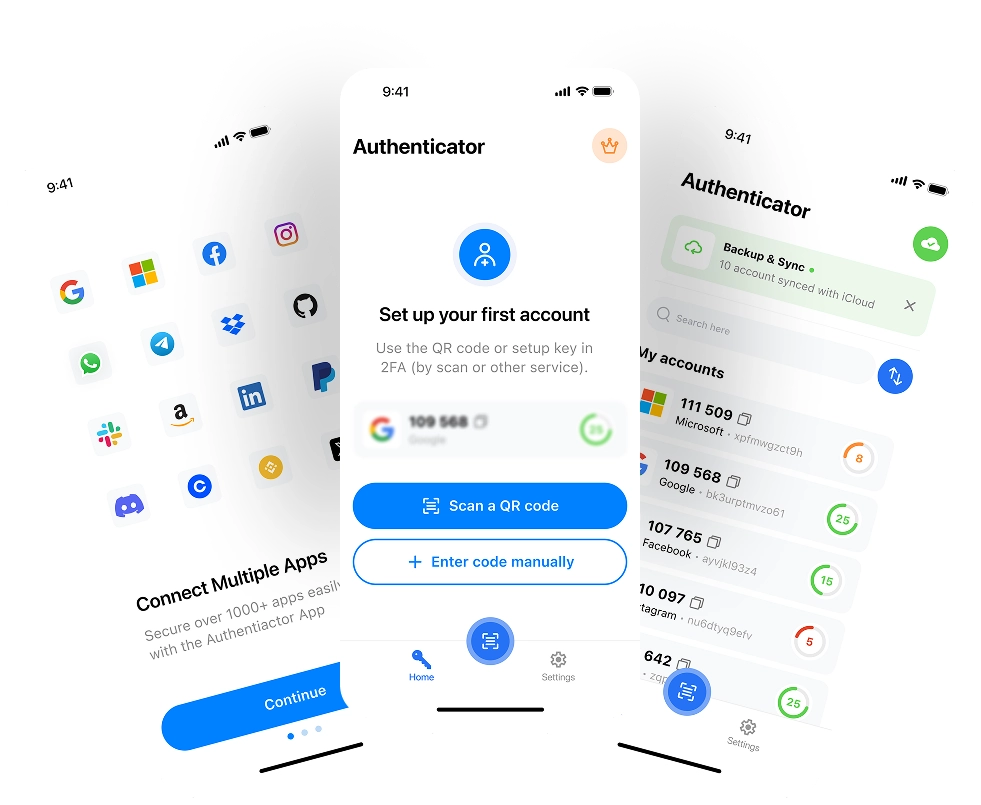
Works with 1000+ Services
Add Google, Microsoft, Facebook, Amazon, PlayStation, Instagram, Twitter, PayPal, and more with TOTP-based 2FA/MFA.
-

Encrypted Cloud Backup & Sync
Keep your codes safe with end-to-end encrypted backup and access them across devices when you sign in.
-

Biometric & Passcode Protection
Add Face ID/Touch ID or a passcode so only you can view your OTP codes.
-
Light & Dark Mode
Choose Light, Dark, or System appearance for comfortable viewing day and night.
How It Works
-
Download & Get Started
Get the 2FA Authenticator app from the App Store and start generating one-time passwords (TOTP) — no sign-up required.
01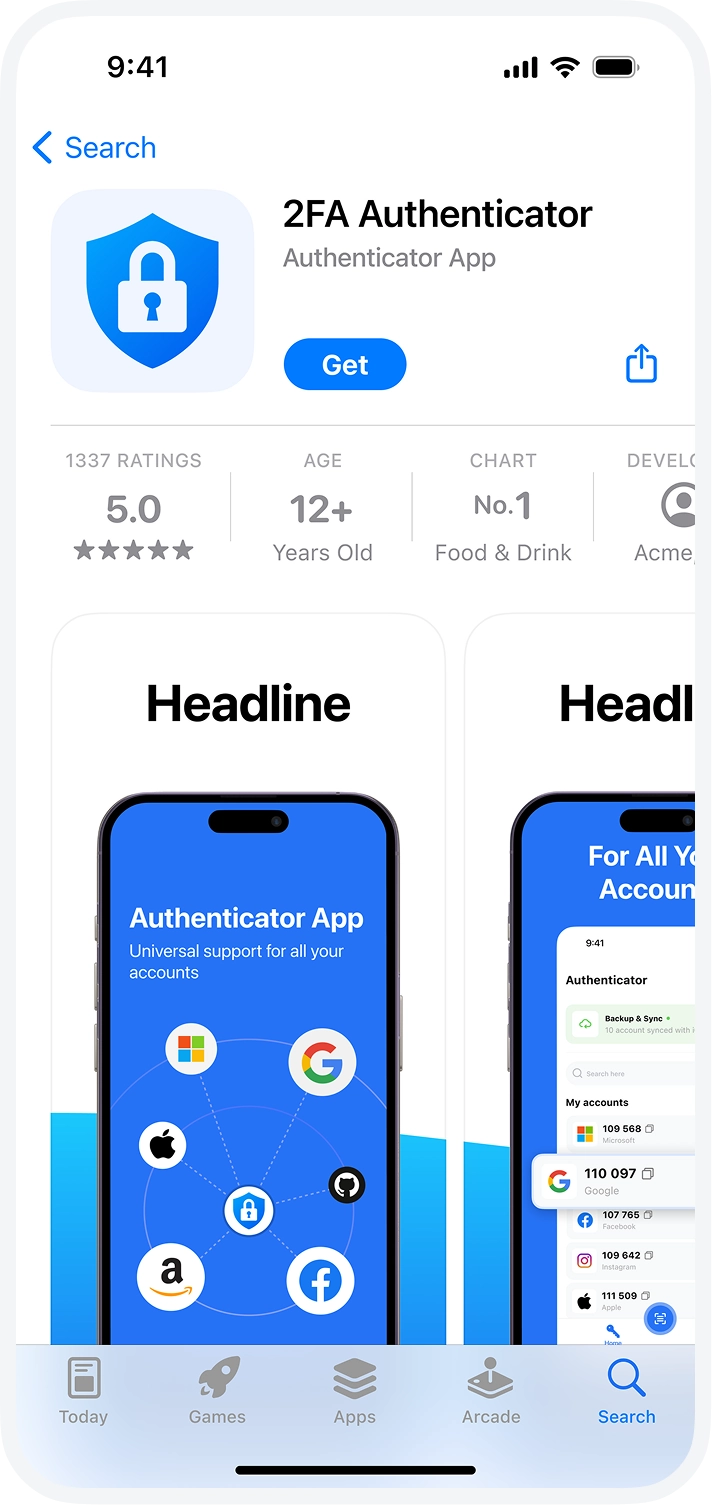
-
Add Your Accounts
Scan a QR code or manually enter the secret key to link your online accounts like Google, Microsoft, Facebook, Amazon, and more for secure 2-Factor Authentication (2FA).
02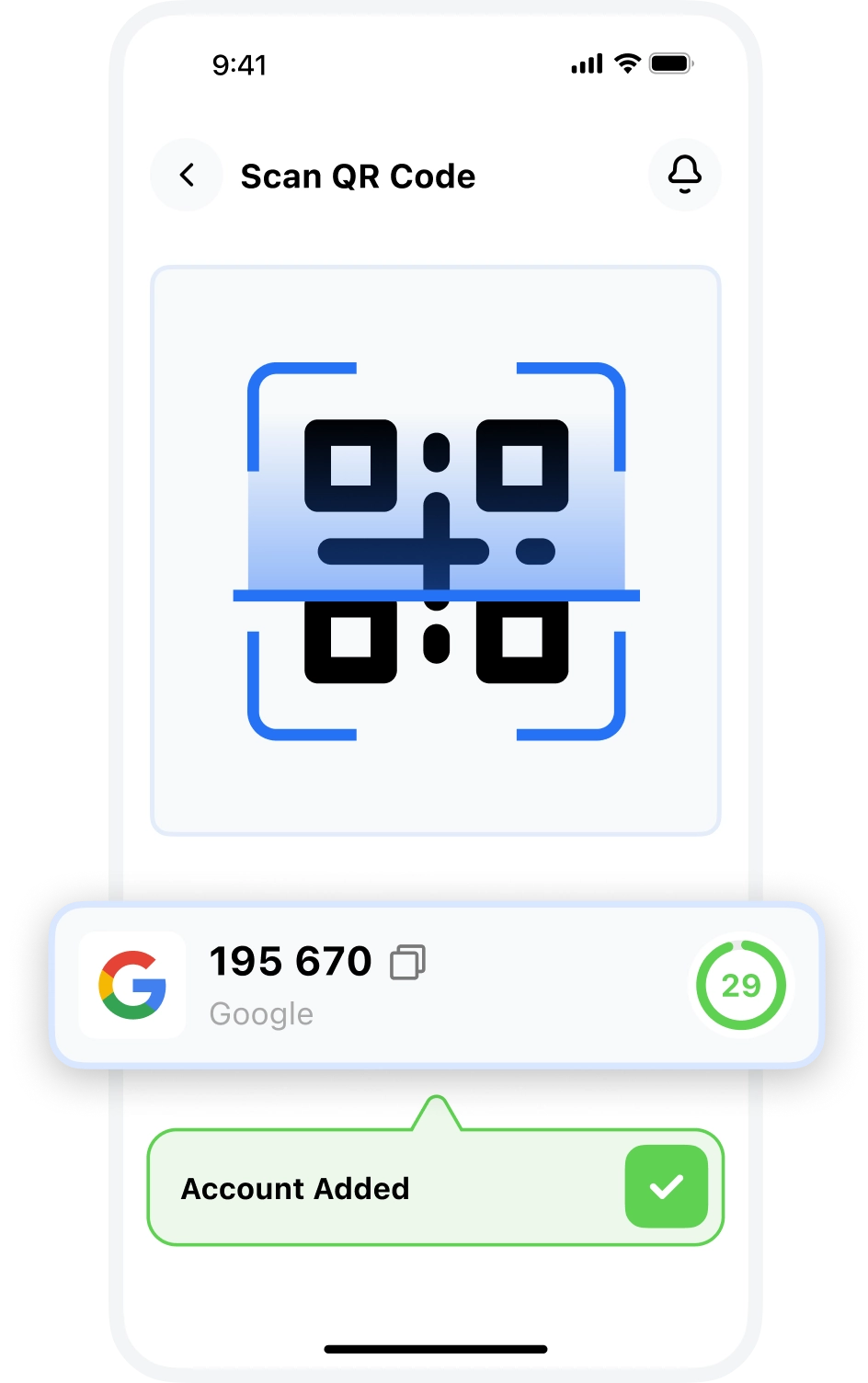
-
Secure & Sync
Enable Face ID, Touch ID, or a passcode to protect your codes, and optionally turn on encrypted cloud backup for safe syncing across devices.
03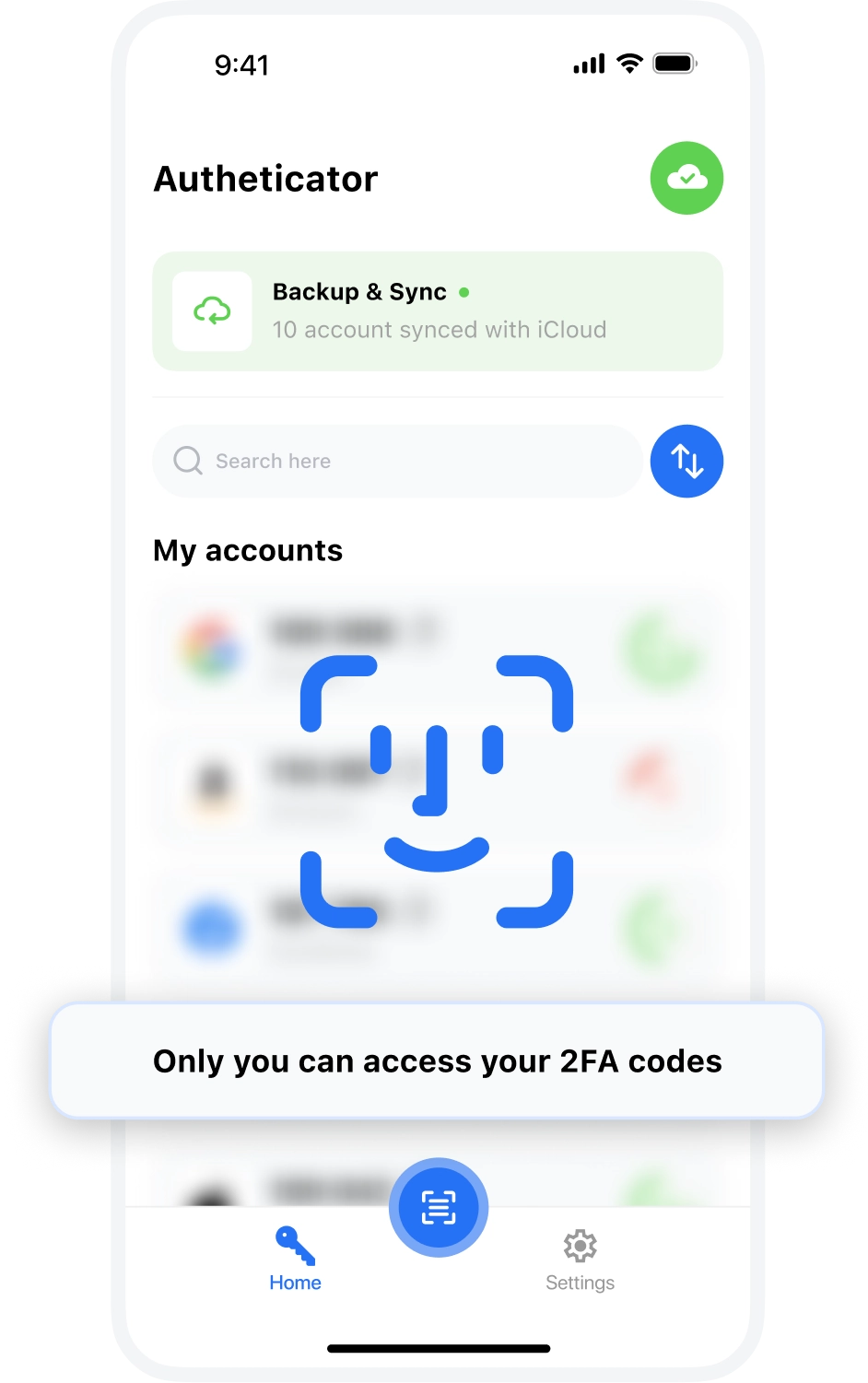
Experience Light ☀️ & Dark Mode 🌙
Easily switch between Light and Dark Mode for eye comfort and better battery life. Customize your look with adaptive appearance.
Start Free Trial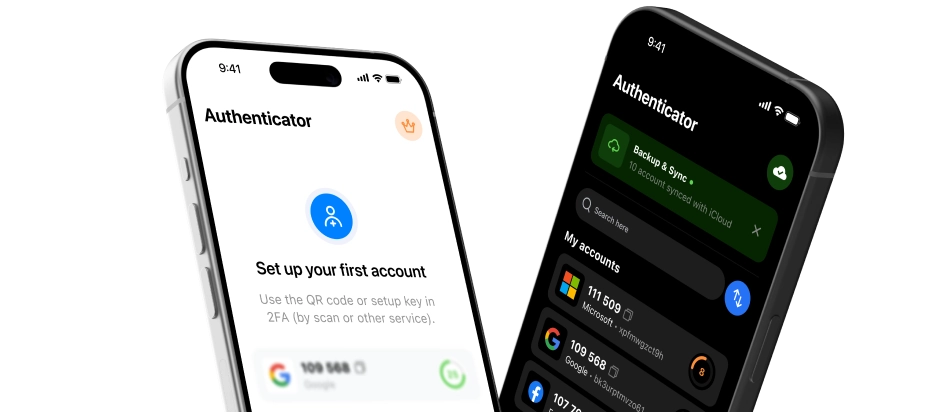
FAQ
What features does the app offer and who is it for?
Our 2FA Authenticator app generates time-based one-time passwords (TOTP) for secure sign-in. It's ideal for anyone adding MFA to accounts like Google, Microsoft, Facebook, Amazon, PayPal, PlayStation, Instagram, and more.
How many accounts can I register in the app?
You can add multiple accounts for free. Premium removes limits so you can store an unlimited number of accounts.
Can I use the app for free?
Yes. The app is free to download and includes core 2FA features. A Premium upgrade is optional.
What happens if I lose my device?
If you enabled encrypted cloud backup, simply sign in on your new device and restore your tokens securely after verifying your identity. Without backup, recovery depends on each service’s backup codes or recovery methods.
Does it work offline?
Yes. TOTP codes are generated on your device and work without the internet.
Do you track or sell my data?
No. There are no ads, no tracking, and no data selling. Your codes are encrypted and stay in your control.